How do I Select the Right Network for Assets in Hex Safe?
The importance of networks in digital asset transactions
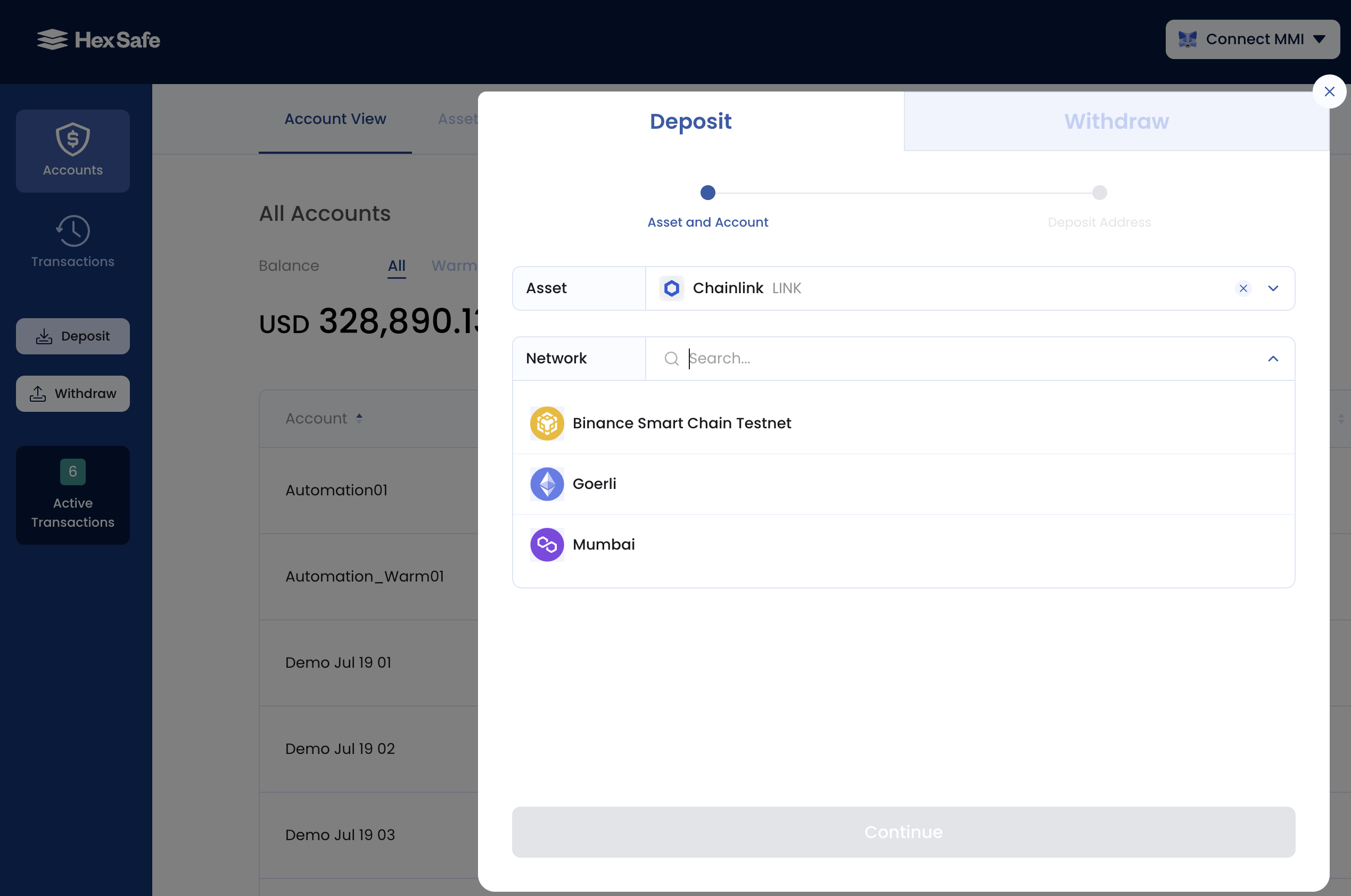
Different digital assets sharing the same name can operate across multiple blockchain networks. For example, Chainlink (LINK) functions on BNB Smart Chain, Ethereum, and Polygon simultaneously within Hex Safe. Selecting an incorrect network during asset transfers risks permanent loss of funds.
Always verify with your transaction counterparty which network they're utilizing and confirm it matches your Hex Safe options.
To identify an asset's network in Hex Safe, see the section below. Visit the official support documentation for the complete, current list of supported assets and blockchain networks.
Deposits
Before depositing, verify:
- The network on which your counterparty is sending the asset
- Whether Hex Safe supports that network
- For fungible tokens specifically, if unsupported, request your counterparty convert to an asset on a Hex Safe-supported network
- This requirement doesn't apply to non-fungible tokens (NFTs)
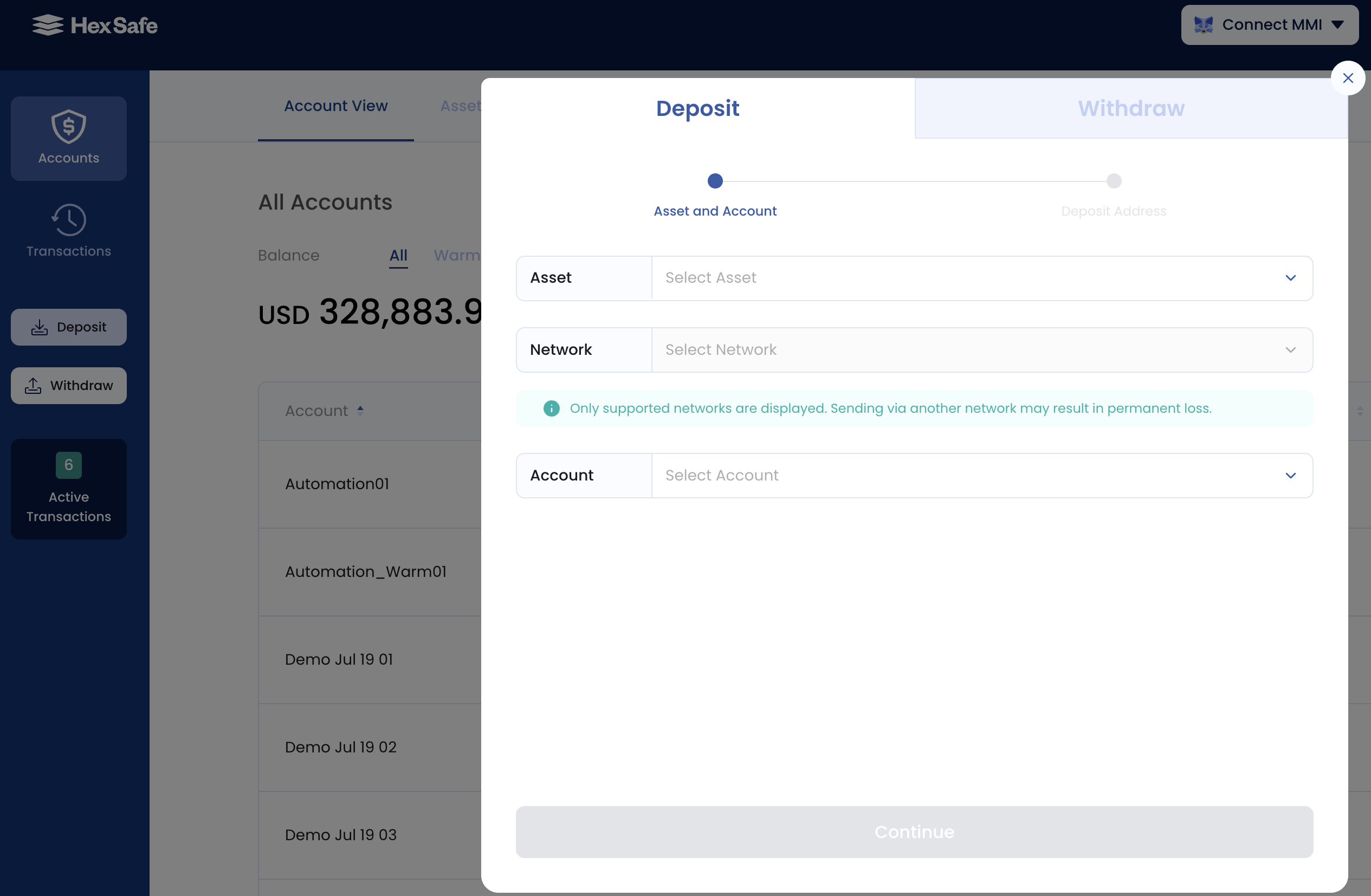
Withdrawals
Before withdrawing to an external address, confirm:
- The network associated with the recipient's wallet address
- Whether Hex Safe supports this network
- If unsupported, request your counterparty supply an alternative wallet on a supported network
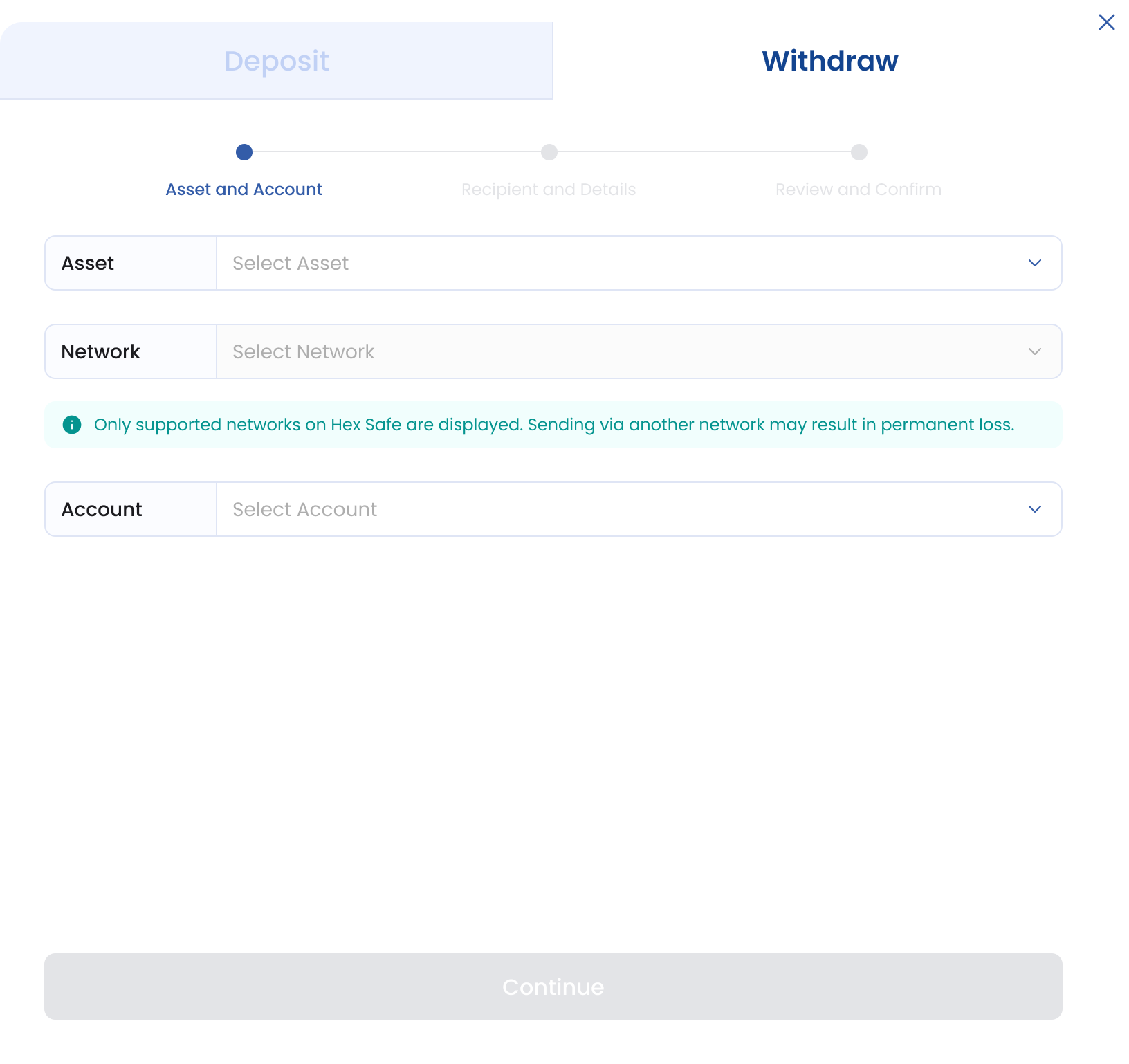
Distinguishing between networks in Hex Safe
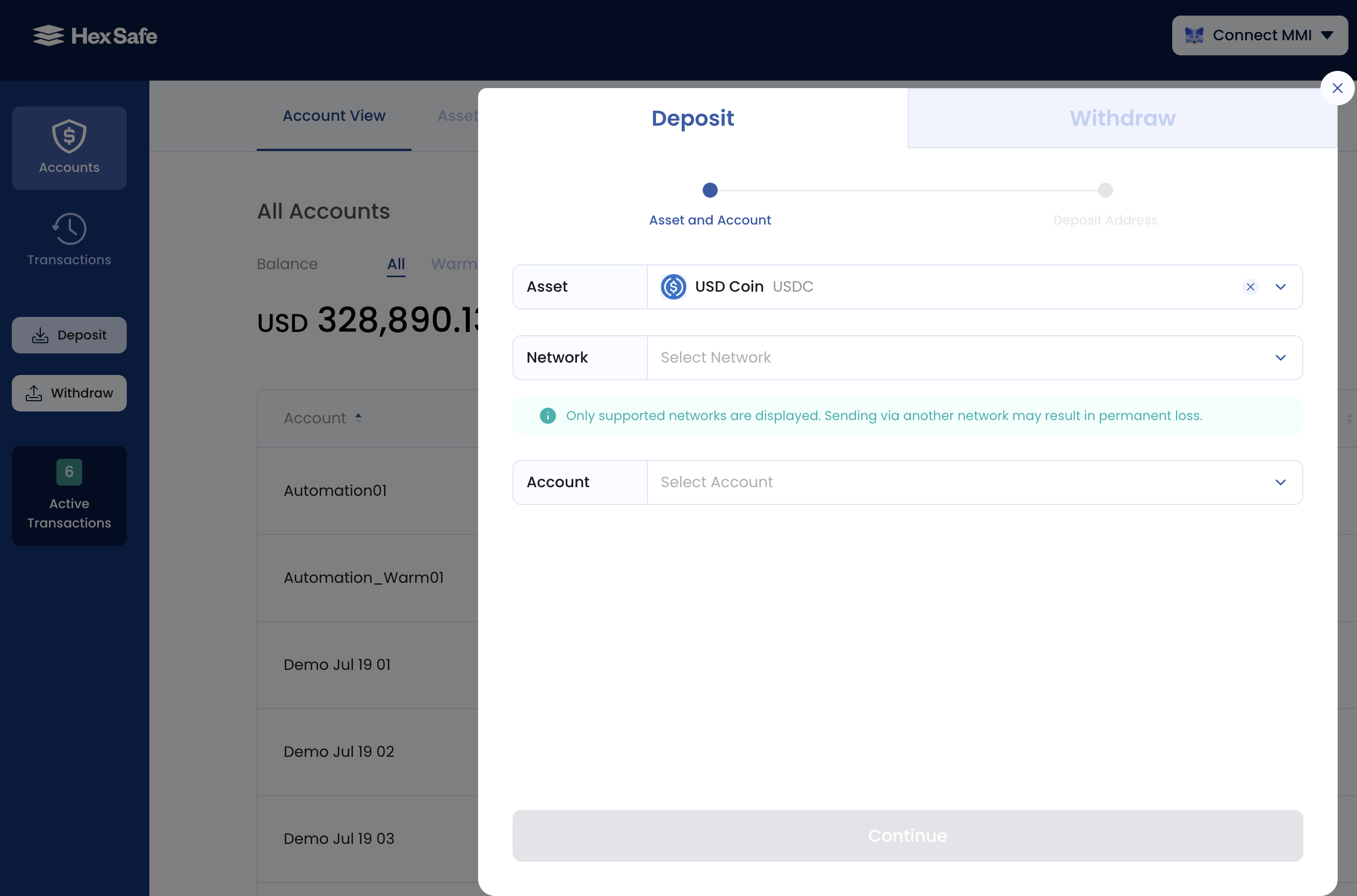
When selecting an asset for deposit or withdrawal, the Network appears in the dropdown directly beneath the Asset field. To view all supported blockchain networks for a particular asset, click the 'Select Network' dropdown in the Deposit and/or Withdraw sections.
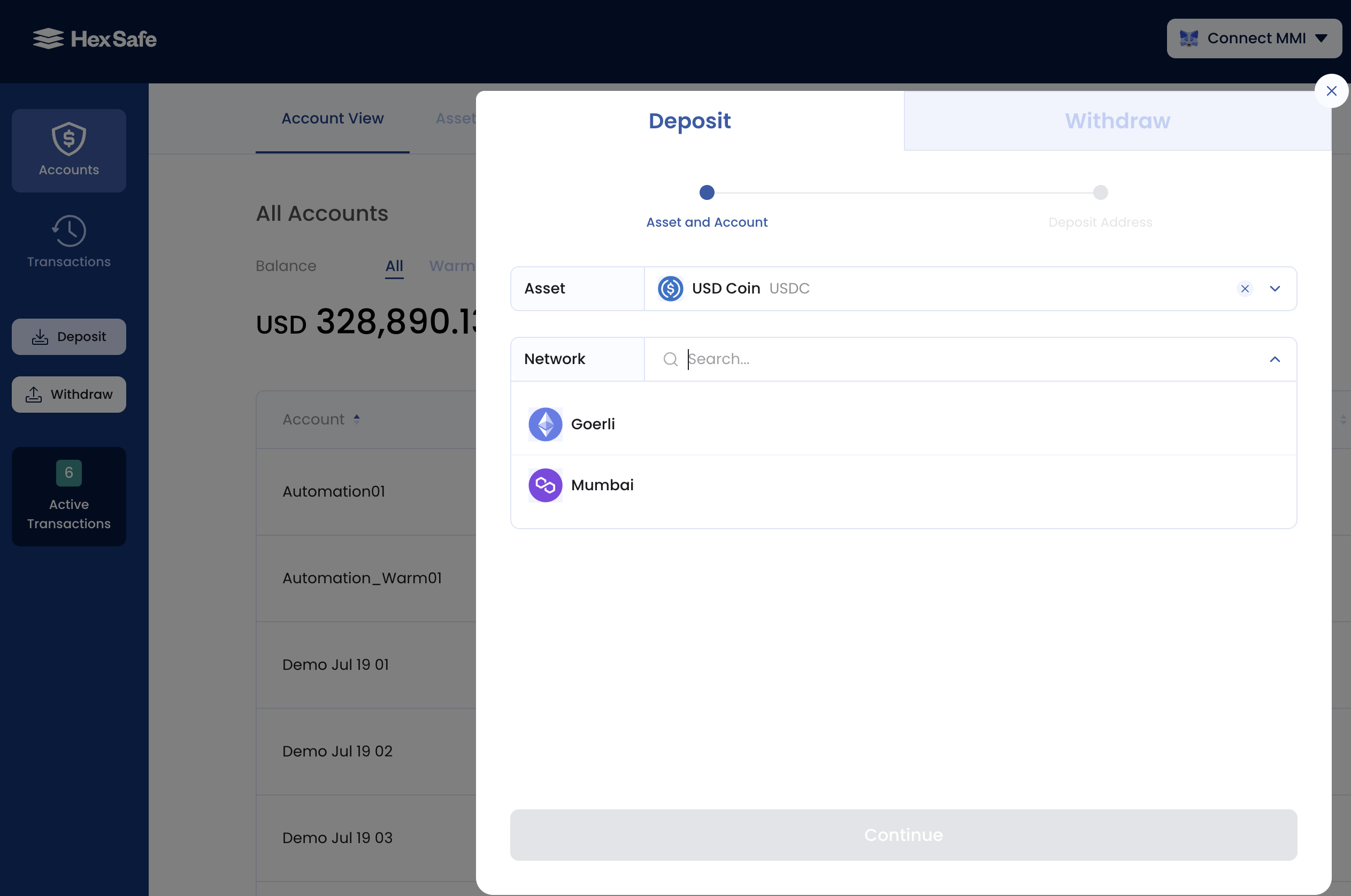
Select the asset paired with your intended network for the transaction. Always cross-verify the network name with your counterparty before proceeding.